Back
Amaro
The following are from our exploration and design planning efforts for AMARO, a supply chain exploration and tracking application that allowed the DoD to track potential compromises in our semiconductor supply chain, possible espionage, and mitigations.
Overarching Goals
AMARO was well underway by the time I came on board, but the project was slowing significantly due to inconsistencies in the design. My immediate goals were to 1) understand the complex domain of semiconductors and their supply chain, 2) take inventory of what had been built, and 3) move forward with design patterns that were most likely to make the cut to a design system that we desperately needed to build.
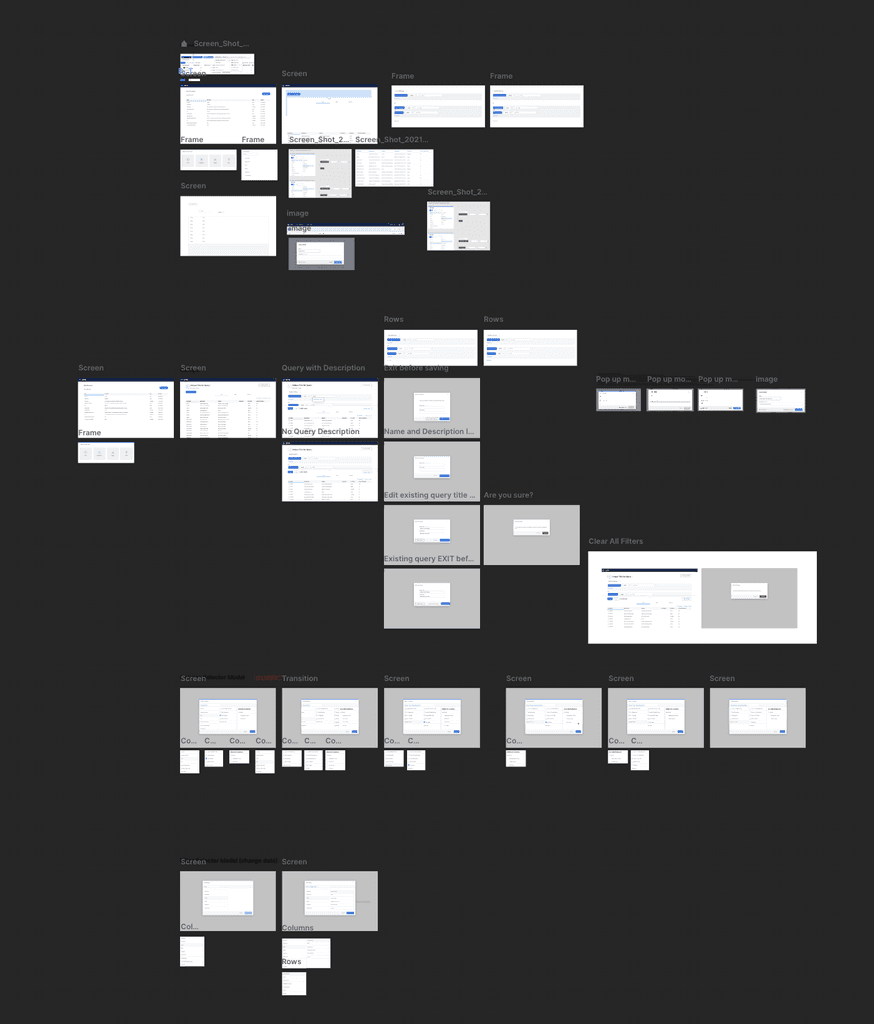
The following was an early stage exploration into a feature that had been built.
Query Builder
The Query Builder feature was coincidentally something I had tackled at a pervious employer. I was intrigued that the same requirements were cropping up again in a completely new domain outside of healthcare. Essentially, our users needed a way to run complex queries, view the output, refine the results, and save those results or save the query structure as a template. Time and exploration had provided me a few new insights to make this a tool beyond the power of any query builder I'd studied or worked on before.
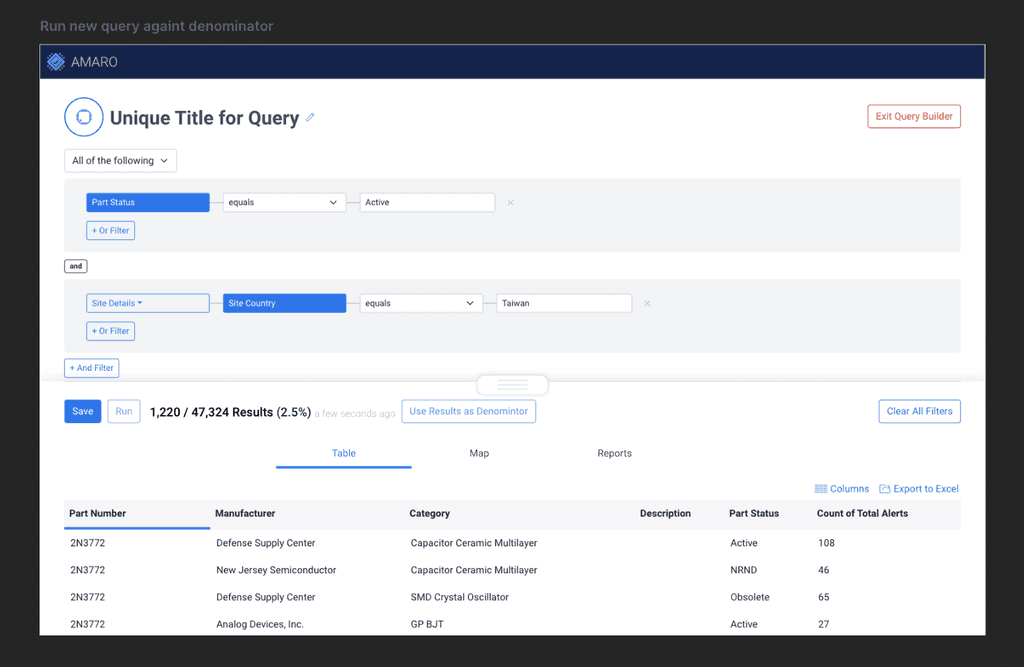
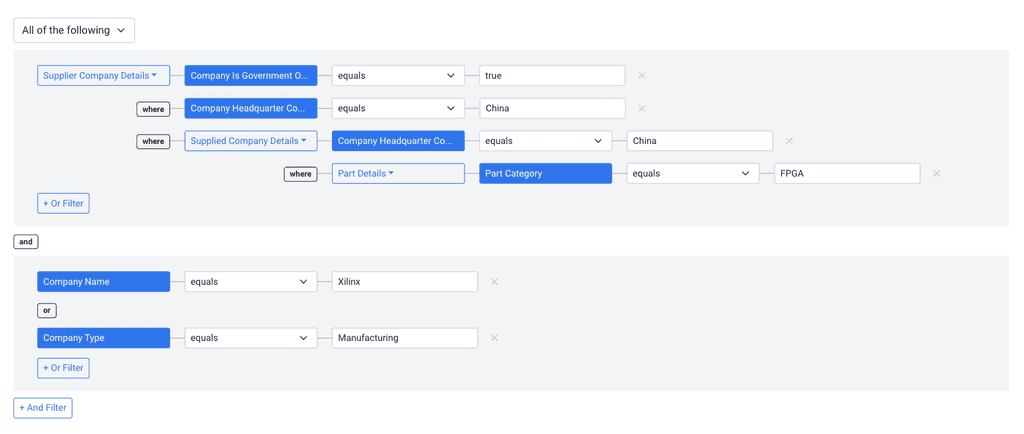
Unions, Intersections, Exclusions, and Joins
First, a unique feature of our tool is the ability at the highest level to switch from an AND-based query to an OR- or NONE-based query, allowing for maximal flexiblity. Within a given 'chunk', you can nest the opposite operator and also…
refine the results of your 'chunk' via chaining.
But sometimes, it makes more sense to view things on a map to see their relationships before further refinement. Or you can even lasso a region of the map and use those results to drive the denominator of your query. You can also save the query/lasso as a template before moving on so that you can reliably reuse the selected area.
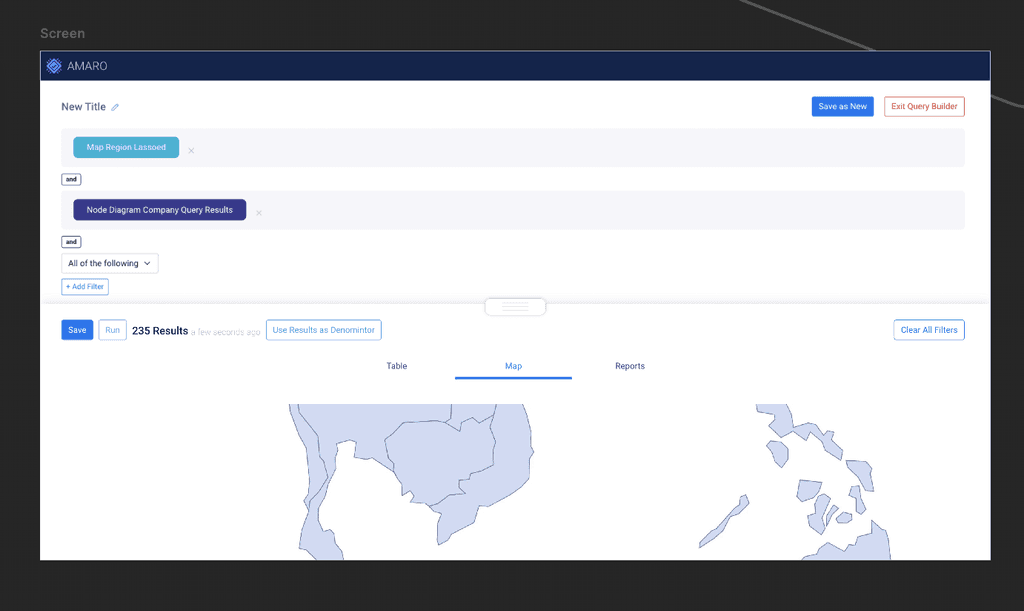
Since the query builder is more logic/language-focused, sometimes, as I've shown with the map, it makes sense to begin with results based off exploratory criteria built up with an interactive tool to show relationships that might be of interest. For instance, which employees have worked at both 'Company A' and 'Company B', and where are they from? You can explore using this tool and then refine/save using the Query Builder.
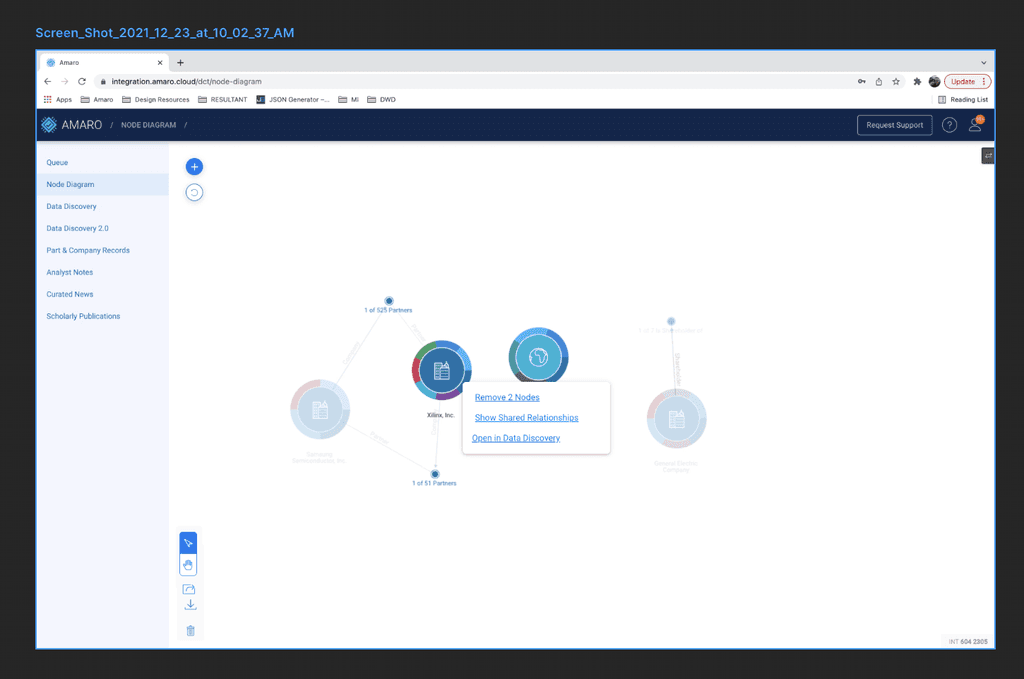
While I don't have many assets to share with this SaaS application (some of it is too sensitive and others are simply gone), it demonstrates some of my work beyond B2C and mobile experiences.